
Track & invoice: track your work before invoicing
The Track & invoice feature lets you record work as you go and turn it into an invoice later when you’re ready. This is especially useful if you don’t invoice immediately after each task, or if your work for a client builds up over time.
By separating work tracking from invoicing, you reduce the risk of forgetting billable tasks and save time when it’s time to get paid.
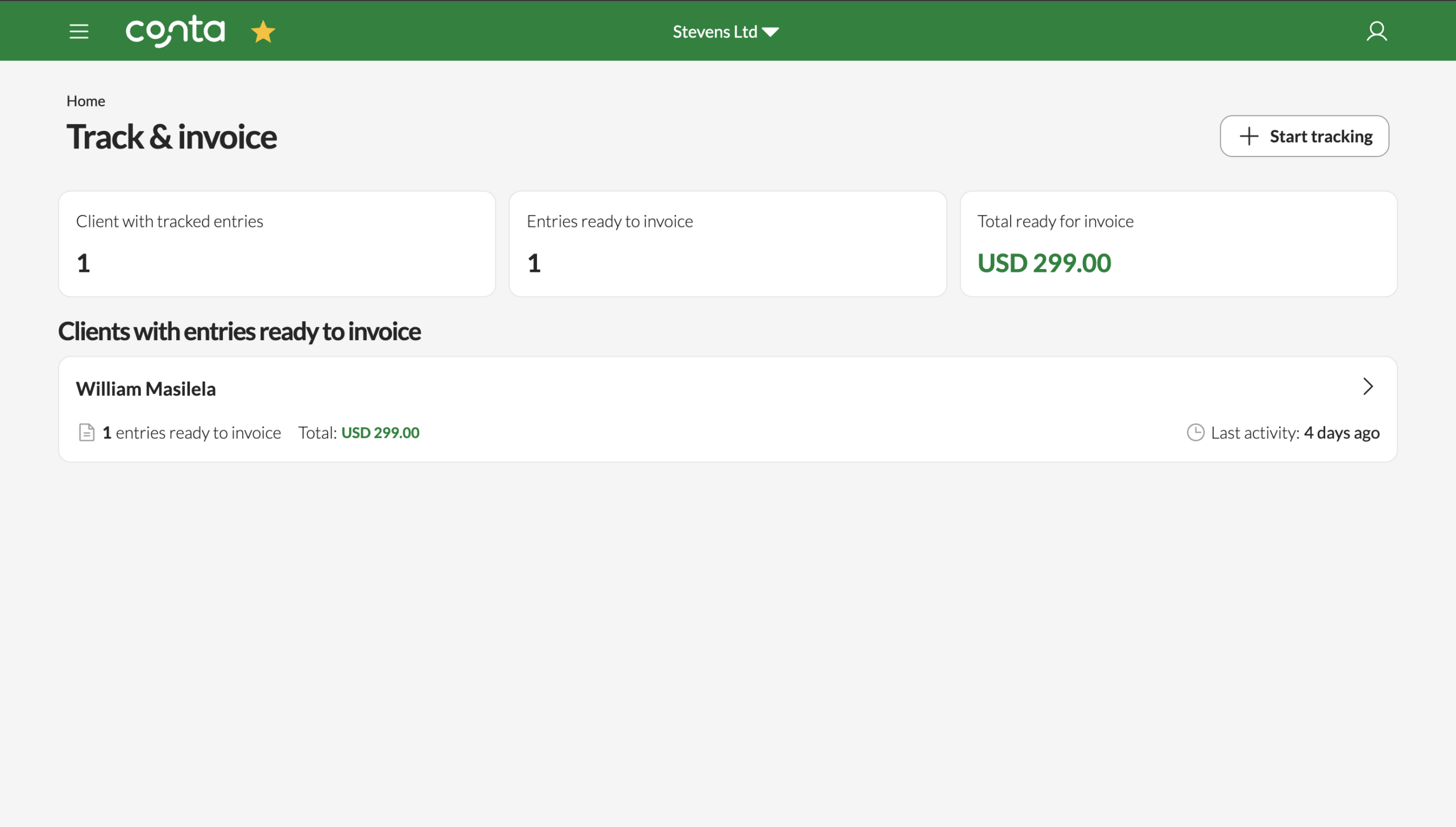
Instead of creating invoices manually from scratch, you can focus on tracking what you’ve done, and handle invoicing at a moment that suits you.
When you track work, each entry is saved to the client but remains unbilled. You can continue adding new entries over days or weeks, knowing that everything will be collected and ready when it’s time to invoice.
Tracking work
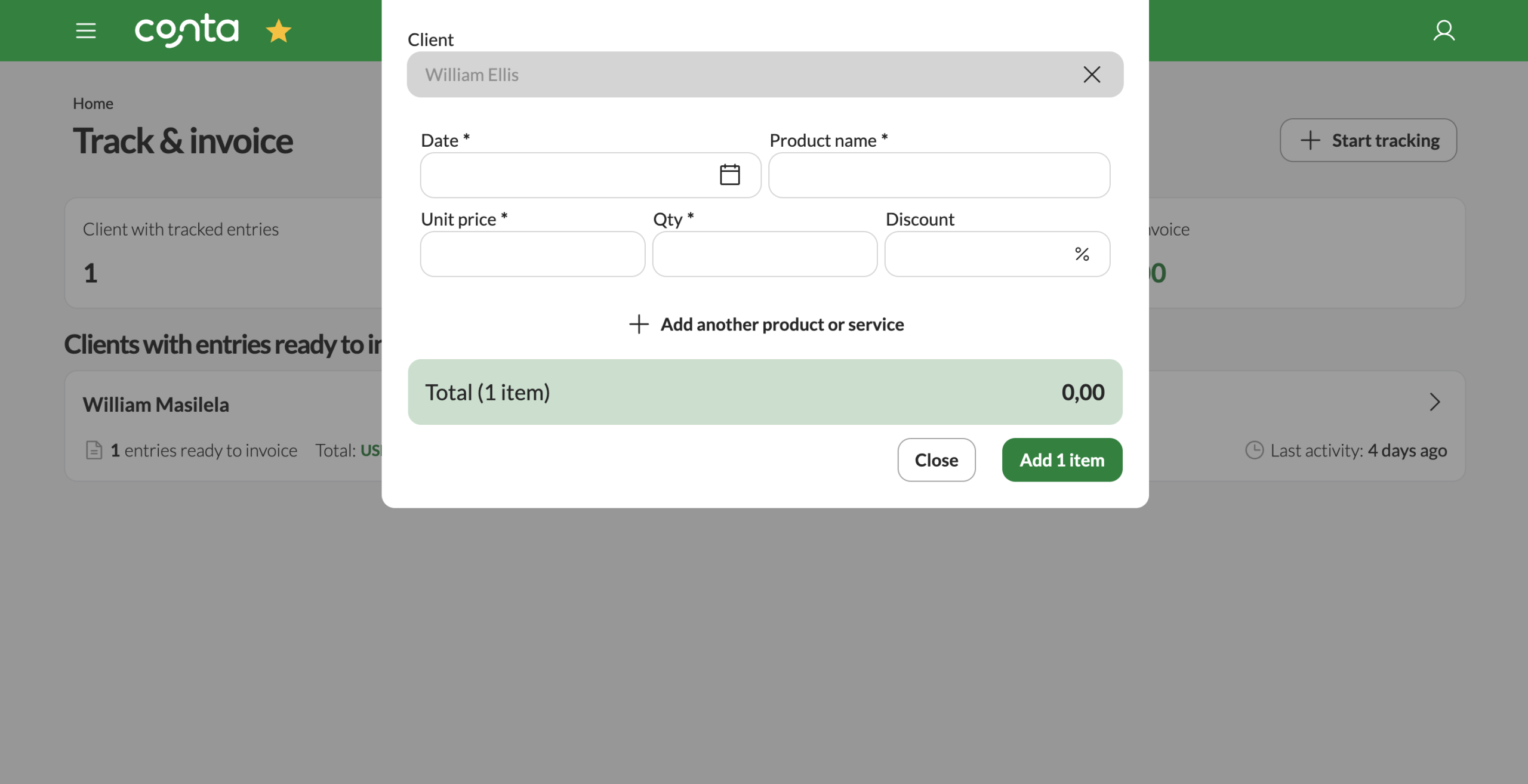
To track your work, open the Track & invoice page and start a new entry. You’ll choose the client the work applies to, add the date, and describe the product or service. You can then enter a unit price and quantity, such as hours worked or units delivered, and apply a discount if needed.
Once saved, the entry is stored safely under that client. You can return at any time to add more tracked work without creating an invoice right away.
Creating an invoice
When you’re ready to invoice a client, simply open them from the list. All tracked entries are collected and prepared as invoice line items. You can review the details, make adjustments if needed, and then create the invoice.
After the invoice is created, those tracked entries are marked as invoiced and removed from the list, so nothing is billed twice.
Things to keep in mind
Tracked entries are never invoiced automatically, you always decide when an invoice is created. This gives you full control while still keeping all your billable work organized in one place. Also, legal regulations where you use Conta may require you to bill work at certain intervals.